Cricut Design Space Update v7.29.147 – View Similar Images

Have you ever found an image in Cricut Design Space that is very close to what you want but wonder if there might be another image even closer to what you desire for your project? In this video, I walk you through the Cricut Design Space beta version 7.29.147 feature of View Similar Images. Links […]
Cricut Design Space Update v7.27 – Edge Scaling
Follow Up Question About Stickers and More with Larger Print Then Cut in Cricut Design Space
Larger Print Then Cut Without Hacks in Cricut Design Space v7.27.142
How to Keep Your Cricut From Cutting Out Each Object during Print Then Cut in Cricut Design Space
Special Request Video: Using “Save As” in Cricut Design Space [Unedited]
Special Request Video: Welding Text in Cricut Design Space [Unedited]
Show Off Your SVG Cut FIles in 100s of Mockups from Placeit.net
Create Collages Quickly [and for free] with Adobe Express
2 Templates (Actually 3) to Speed Up Design Workflow in Cricut Design Space
Cricut Design Space Updates v7.23
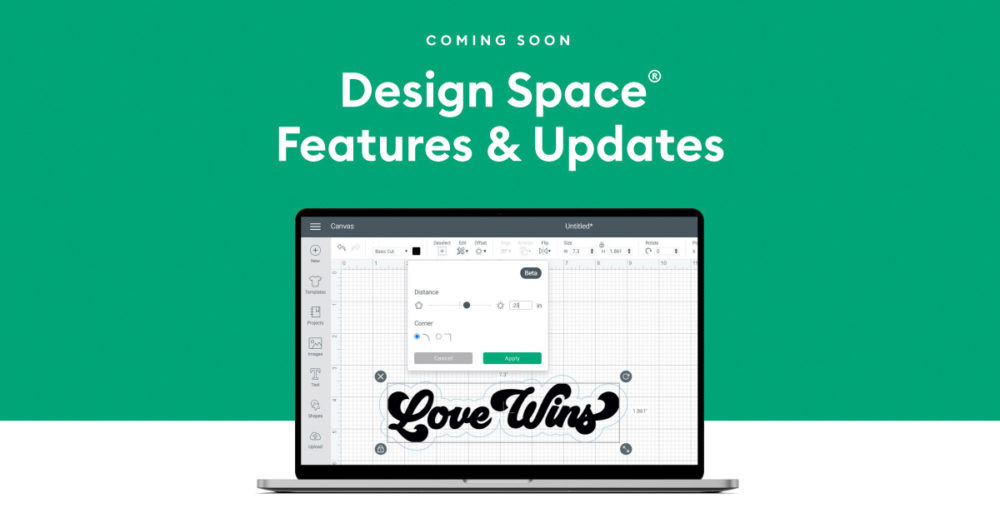
Cricut has released four more exciting changes to Cricut Design Space! Learning Path Collections Fonts Add to Canvas In my previous post, I talked about Cricut’s addition of Editable Images. As of the writing of that article, there were only 117 editable images available, only four of which were free. As of the writing of […]
Cricut Design Space Updates v7.23 – Learning Plan, Fonts, Collections and Add to Canvas
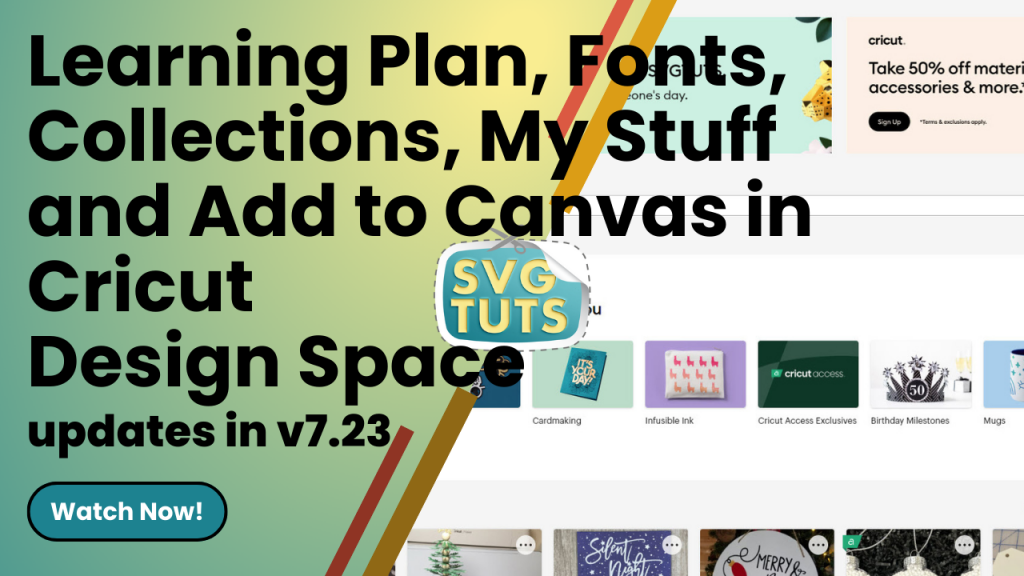
Export From Cricut Design Space to PDF to Standalone SVG Cut File (or PNG) to Use Anywhere
Cricut Design Space v7.21 Updates

Cricut is at it again, y’all! They’ve made another amazing and beneficial update to Cricut Design Space. There’s now an option to edit to “personalize an image with a name, change an occasion, switch up a sentiment” and more with Editable Images. As of the writing of this article, there are 117 editable images available, […]
Modify Editable Images in Cricut Design Space [v7.21 Update]
Cricut Design Space v7.20 Updates

SO I could make a video on the latest updates to Cricut Design Space, but I decided I’d just curate a list of videos from some of my favorite YouTubers so you can see what they all have to offer in the way of covering the new updates. I was excited to see that you […]
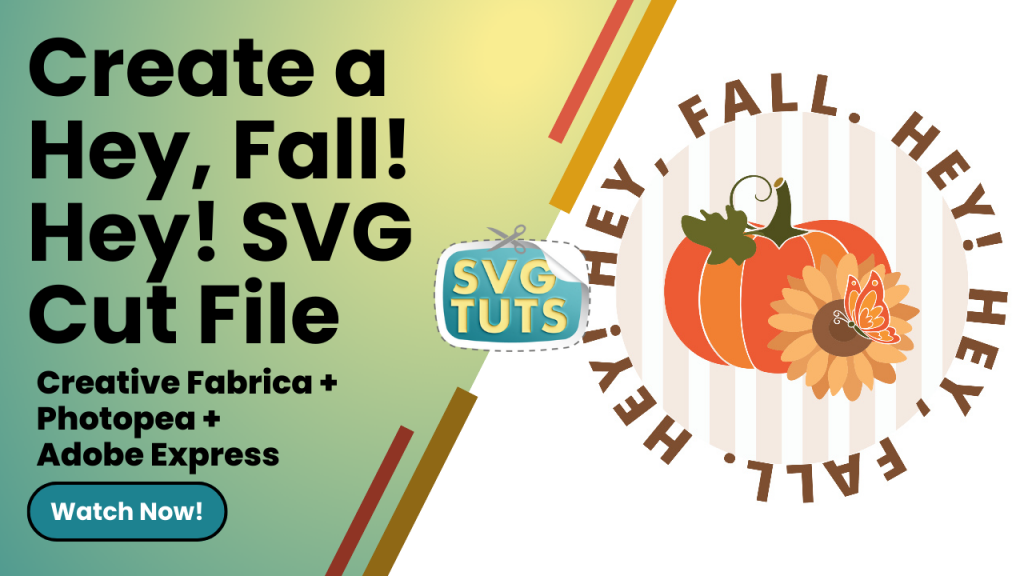
Create the “Hey Fall. Hey!” SVG Cut File in Adobe Express with help from Creative Fabrica & PhotoPea
10 Word Art Tools for Creating Word Clouds featuring ShapeCloud by Creative Fabrica
Create a “Great Vibes Tribe” SVG Cut File in Cricut Design Space
Stay Away From Google Images Unless…

Create an SVG Cut File of Flowers & Starbursts with Pucker & Bloat in Adobe Illustrator
Convert JPGs & PNGs to SVGs in Adobe Illustrator
Convert JPGs & PNGs to SVGs with Adobe Express
Create a “Hustle Mode ON” SVG Cut File

I created this SVG cut file in Cricut Design Space, and I like how it turned out. ? View the video tutorial to make your own!
Create the “Hustle Mode On” SVG Cut File in Cricut Design Space
Create a Bean Queen SVG Cut File in Cricut Design Space

Whew! I just finished creating the video tutorial for how to make your own Bean Queen cut file and how to diversify the file to get different looks. I even put the file in the following mockup just to show how it would look in real life. Now I have to edit the video, so […]
Wedge Box Made in Cricut Design Space

I’m working on packaging for my puzzles. This wedge box was super easy to make. I like that I can use the file as-is to make a small box or, as I did with this project, make it larger (10.726″ x 10.5″) for a bigger box. I intend to put my logo on a circular […]
Playing with Shapes in Cricut Design Space: Hot Drink Cup

My hot drink cup with simple shapes and slice in Cricut Design Space. I created a little video on creating the cup…
Playing with Shapes in Cricut Design Space: Cartoon Eyes

I made eyes from three ovals, slice, weld and duplicate! Woo-hoo! I figured out eyes! ?
Playing with Shapes in Cricut Design Space: Crayon or Fire Hydrant?

I fiddled around some more with free shapes in Cricut Design Space, and I made this crayon. I also realized I can rotate it counter-clockwise, make the left part shorter (which would become the bottom) and it could be a fire hydrant. ? For anyone who’s wondering why I’m doing all this fiddling when I […]
Playing with Shapes in Cricut Design Space: Cartoon Tree

I fiddled some more with shapes and welding and came up with this little tree. ? My next move with this little tree is to put it in a scene with other trees and objects. One of the people I’m in a Facebook group with asked me to create a video of the process…
Playing With Shapes in Cricut Design Space: Roscoe

I fiddled around with shapes, slice and weld to see what I could do to make a character. I call him Roscoe. He got a little better-looking each time, but he won’t be dating any time soon! ? Check out his button-down, y’all. He thinks he’s cute! I probably need to think about making him […]
Playing with Simple Shapes in Cricut Design Space: Puzzle Piece

I fiddled with making puzzle pieces in Design Space. I wish there was a “snap to” feature in Design Space, so that when you put corners next to each other, they’d snap in place. I was thinking it would take half the time to cut the puzzle, because only half the pieces would need to […]
Coloring “I Heart Cupcakes to the Stars” with the Cricut Maker 3

Using the Crayola Washable Super Tips Markers and my Cricut Maker 3 to color. My version is up top. The following is the Cricut Design Space version. Originally, I started out with a Design Space file of three cupcakes in a row [Design Space ID #M34141A90]. I then put the three cupcakes in a triangle […]