

Cricut Design Space Update v7.29.147 – View Similar Images

Have you ever found an image in Cricut Design Space that is very close to what you want but wonder if there might be another image even closer to what you desire for your project? In this video, I walk you through the Cricut Design Space beta version 7.29.147 feature of View Similar Images. Links […]
Cricut Design Space Update v7.27 – Edge Scaling

Follow Up Question About Stickers and More with Larger Print Then Cut in Cricut Design Space
Larger Print Then Cut Without Hacks in Cricut Design Space v7.27.142
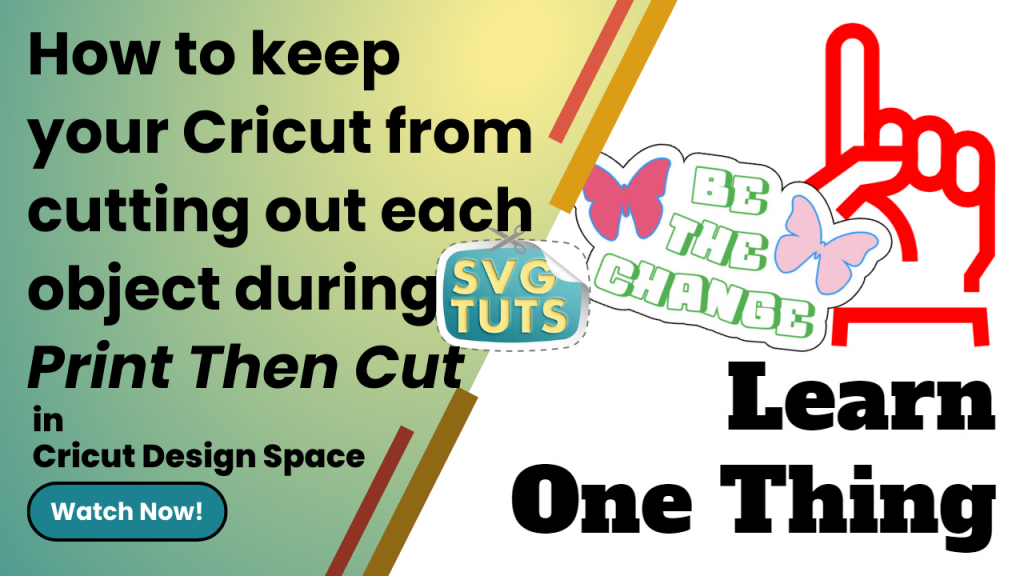
How to Keep Your Cricut From Cutting Out Each Object during Print Then Cut in Cricut Design Space
Special Request Video: Using “Save As” in Cricut Design Space [Unedited]
![Special Request Video: Using “Save As” in Cricut Design Space [Unedited]](https://svgtuts.com/storage/2023/02/Special-Request-Using-Save-As-1024x576.png "Special Request Video: Using “Save As” in Cricut Design Space [Unedited]")
Special Request Video: Welding Text in Cricut Design Space [Unedited]
![Special Request Video: Welding Text in Cricut Design Space [Unedited]](https://svgtuts.com/storage/2023/02/Special-Request-Welding-Text-1024x576.png "Special Request Video: Welding Text in Cricut Design Space [Unedited]")
Show Off Your SVG Cut FIles in 100s of Mockups from Placeit.net

Create Collages Quickly [and for free] with Adobe Express
![Create Collages Quickly [and for free] with Adobe Express](https://svgtuts.com/storage/2023/02/Create-Collages-Quickly-Adobe-Express-1024x576.png "Create Collages Quickly [and for free] with Adobe Express")
2 Templates (Actually 3) to Speed Up Design Workflow in Cricut Design Space
Cricut Design Space Updates v7.23
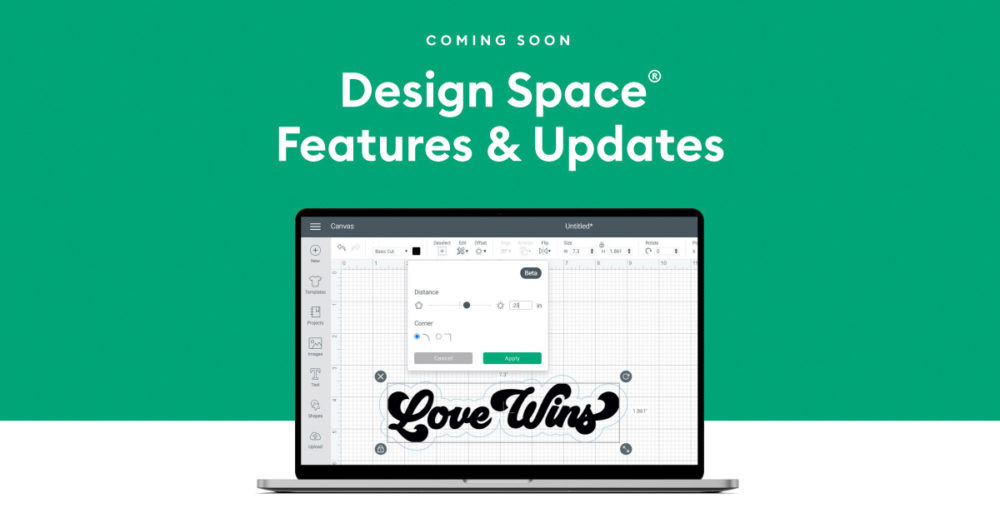
Cricut has released four more exciting changes to Cricut Design Space! Learning Path Collections Fonts Add to Canvas In my previous post, I talked about Cricut’s addition of Editable Images. As of the writing of that article, there were only 117 editable images available, only four of which were free. As of the writing of […]
Cricut Design Space Updates v7.23 – Learning Plan, Fonts, Collections and Add to Canvas
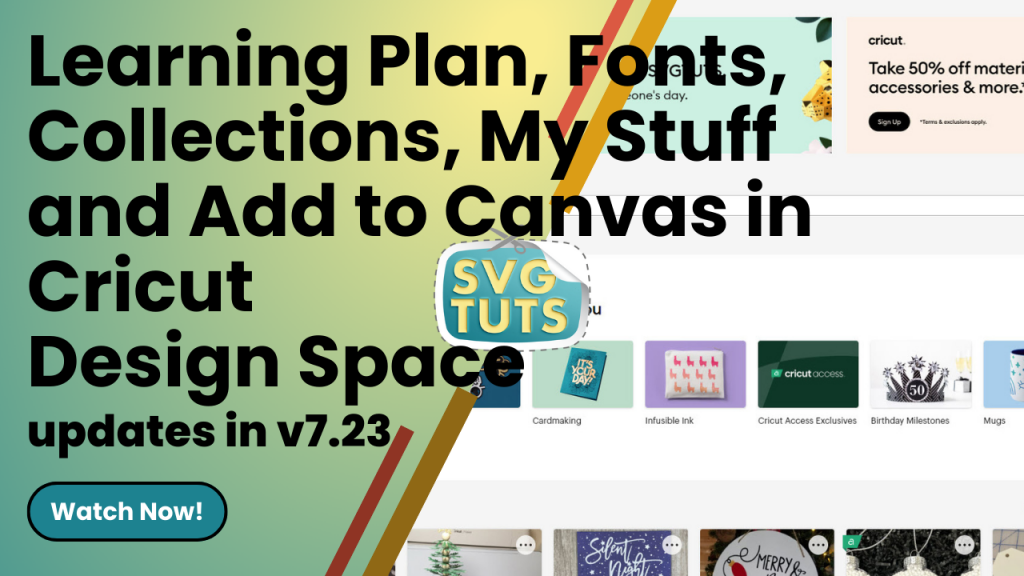
Export From Cricut Design Space to PDF to Standalone SVG Cut File (or PNG) to Use Anywhere
Cricut EasyPress Mini™s are on sale!

EasyPress Mini™s are on sale now at Cricut.com for $39.99, which is $30 off the regular price Zen Blue [referral link] Raspberry [referral link]
Pill Organizers for 31 Days and Then Some

I have a bad habit of prepping my daily pills for the first seven days in a pill organizer and then failing to refill it for pretty much the rest of the month. It just seems so tedious. Of course, it’s not. If I’d just do it every Sunday for the following week, then it […]
Cricut Design Space v7.21 Updates

Cricut is at it again, y’all! They’ve made another amazing and beneficial update to Cricut Design Space. There’s now an option to edit to “personalize an image with a name, change an occasion, switch up a sentiment” and more with Editable Images. As of the writing of this article, there are 117 editable images available, […]
Modify Editable Images in Cricut Design Space [v7.21 Update]
![Modify Editable Images in Cricut Design Space [v7.21 Update]](https://svgtuts.com/storage/2023/02/Editable-Images-CDS-YouTube-Thumb-1024x576.png "Modify Editable Images in Cricut Design Space [v7.21 Update]")
Cricut Festival of Lights Mystery Box is on the way!

Cricut has a new mystery box, and I ordered it today! Unlike some people, I want to know before buying the box what’s inside in case I’m not interested in the contents. That’s why I go to YouTube and search for videos made by some of my favorite content creators about what’s in the box. […]
Cricut Design Space v7.20 Updates

SO I could make a video on the latest updates to Cricut Design Space, but I decided I’d just curate a list of videos from some of my favorite YouTubers so you can see what they all have to offer in the way of covering the new updates. I was excited to see that you […]
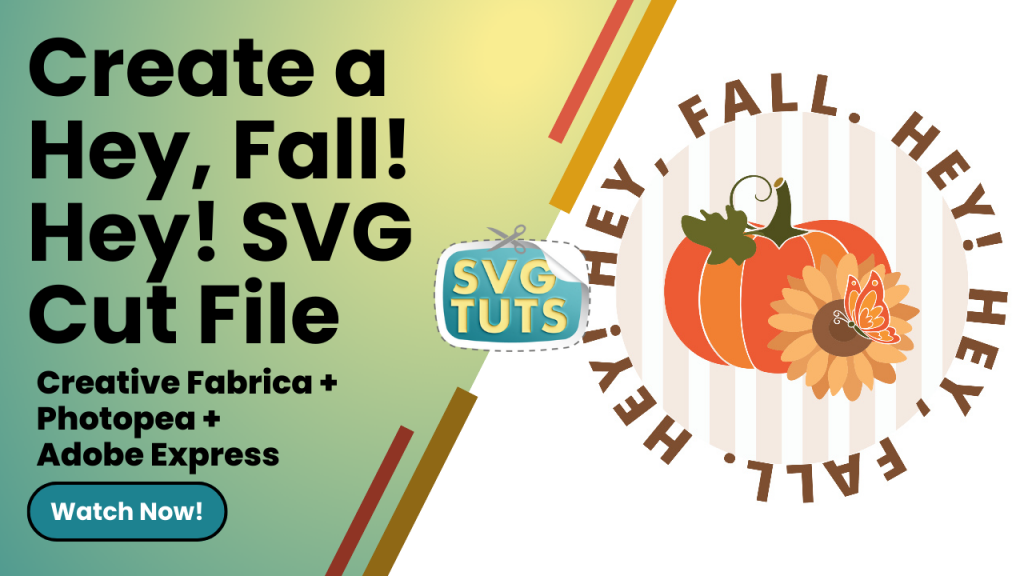
Create the “Hey Fall. Hey!” SVG Cut File in Adobe Express with help from Creative Fabrica & PhotoPea
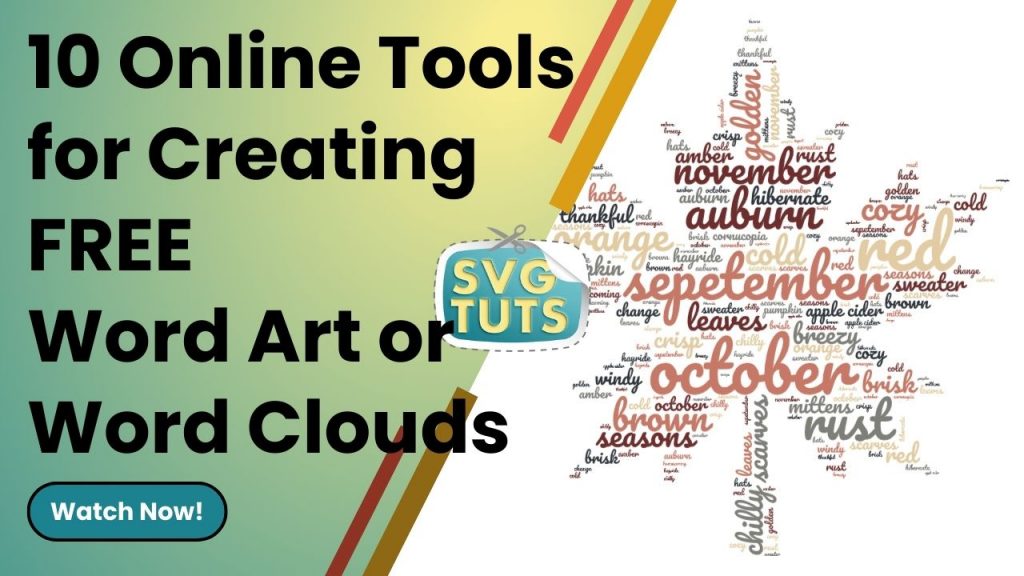
10 Word Art Tools for Creating Word Clouds featuring ShapeCloud by Creative Fabrica
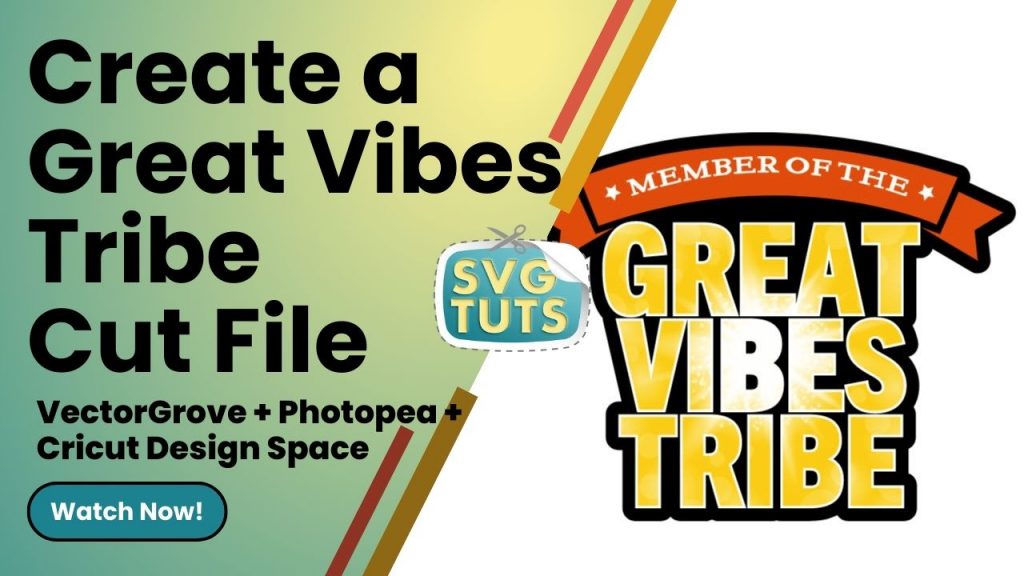
“Member of the Great Vibes Tribe” Stickers

I did a search on Google.com, and I found tons of Good Vibes Only SVG cut files, and I decided I wanted to do something similar but different, so that’s how I came up with this concept. Using a couple of free assets from VectorGrove, PhotoPea, which is free to use and browser-based, and free […]
Create a “Great Vibes Tribe” SVG Cut File in Cricut Design Space
Stay Away From Google Images Unless…

Cricut Infusible Ink Markers on Basswood | Puzzle
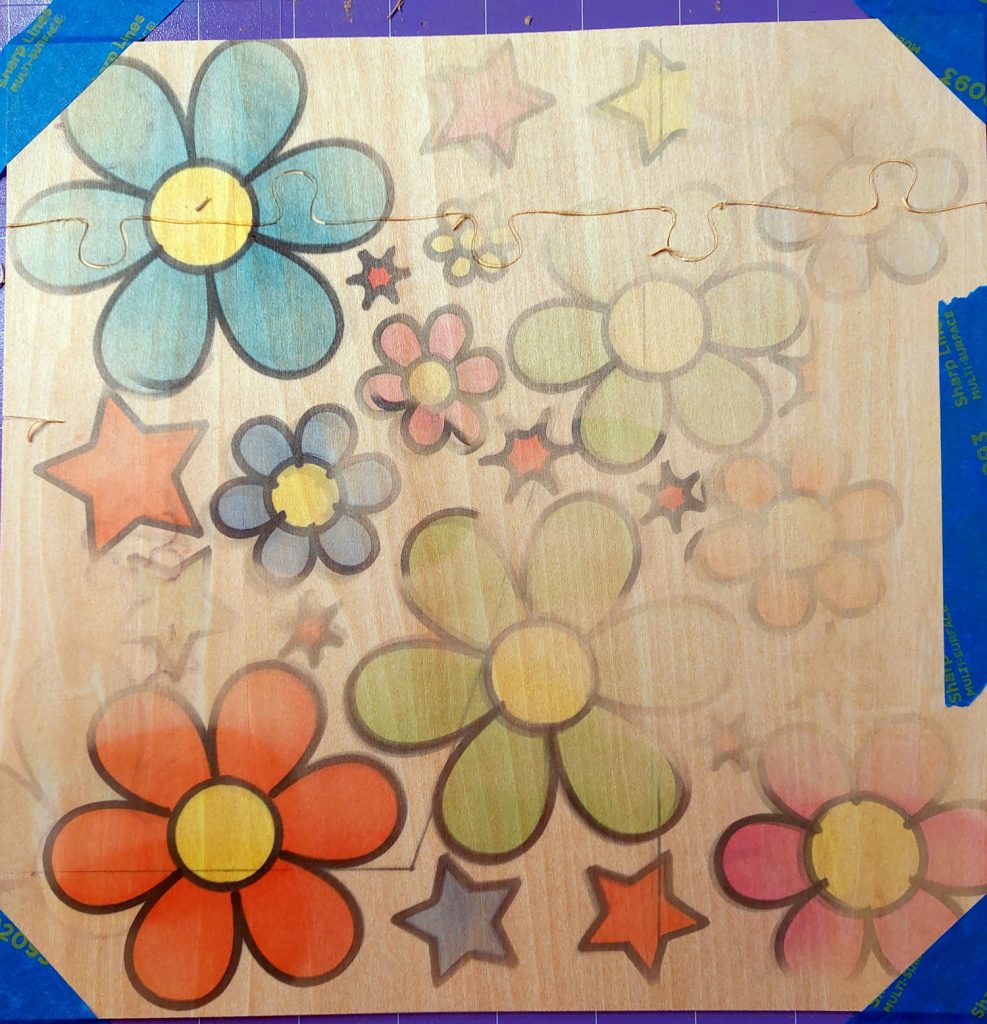
This project was for Cricut Crafting Challenge #18 initiated by Delonda Ford of Cricut Crafting with Delonda. As you can see, it didn’t turn out well at all, but I did learn some things from this crafting fail. [1] Do not wait until the last minute to start and finish your crafting project, especially […]
Create an SVG Cut File of Flowers & Starbursts with Pucker & Bloat in Adobe Illustrator
Convert JPGs & PNGs to SVGs in Adobe Illustrator
Convert JPGs & PNGs to SVGs with Adobe Express

Create a “Hustle Mode ON” SVG Cut File

I created this SVG cut file in Cricut Design Space, and I like how it turned out. ? View the video tutorial to make your own!
Create the “Hustle Mode On” SVG Cut File in Cricut Design Space
30-Piece Memory Game on Wood

I’m working on a 30-piece memory game for my nieces. The wooden discs are two inches around, and I made the image that goes on the circle 1.8 inches in vinyl on my Cricut Maker 3. I’m thinking it might be better to use sticker paper, so that when I go over each piece with […]
Angie Holden: Cricut Packaging Ideas for Small Businesses and Gifts
When I started thinking about the packaging for my wooden puzzles. I came across this video on Angie Holden‘s YouTube channel. It gave me some great ideas for what to consider packaging my puzzles in and what to put inside the packaging with the puzzle to give the whole thing a bit of flair! Thanks, Angie! ?
Cricuting with Delonda: Cricut Tutorial: How To Use Cricut Adhesive Foil | Dollar Tree Candy Jar
I have some of the adhesive foil that Delonda uses in this video, but I haven’t used it yet. Watching her video helped me to know how best to transfer the foil from its backing to the surface of wherever I want to put the adhesive foil. Now I have a good idea of what SVG file I want to create and what object I want to put it on. ?
Create a Bean Queen SVG Cut File in Cricut Design Space

Whew! I just finished creating the video tutorial for how to make your own Bean Queen cut file and how to diversify the file to get different looks. I even put the file in the following mockup just to show how it would look in real life. Now I have to edit the video, so […]
A Great Deal on a Creative Fabrica Membership

I just got this great yearly deal for Creative Fabrica. The very cool thing is that the yearly rate is locked in forever (as long as I keep paying for it yearly). It’s a yearly savings of $288 off! Creative Fabrica has assets for all kinds of projects. As I have a laser cutter and […]
CRAVERLAND Pens Adapters for Cricut
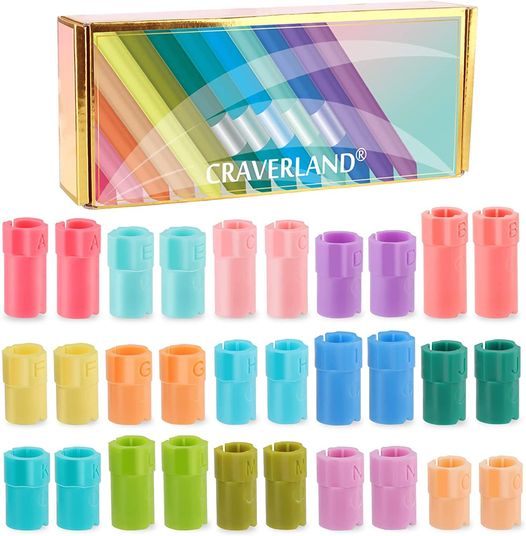
I got these pen adapters after watching a few YouTube Videos about using all kinds of pens with my Cricut Maker 3. I have used them with Crayola markers and Sharpies so far, and they work very well. No complaints whatsoever. I’m looking forward to using them with more pen sets that I’ve purchased from […]
Wedge Box Made in Cricut Design Space
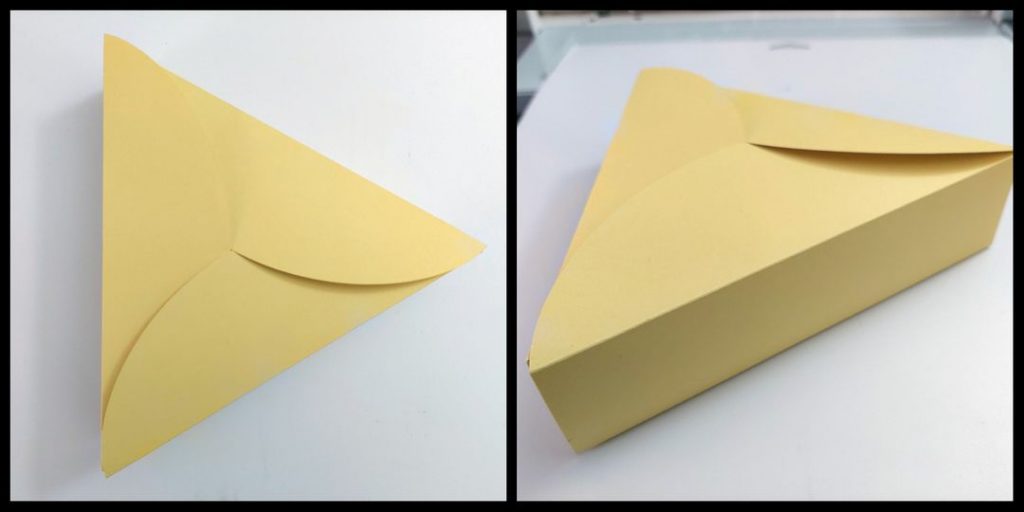
I’m working on packaging for my puzzles. This wedge box was super easy to make. I like that I can use the file as-is to make a small box or, as I did with this project, make it larger (10.726″ x 10.5″) for a bigger box. I intend to put my logo on a circular […]
Cutting Mats for my Cricut Maker 3 Projects
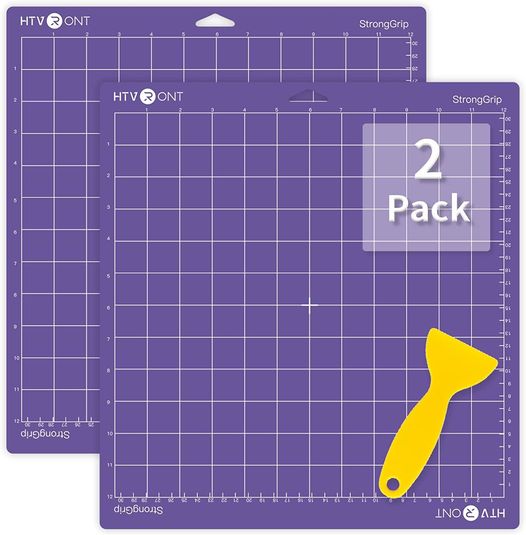
I purchased a couple of the two-packs of the HTVRONT StrongGrip cutting mats, and I really like them! I’ll also be ordering some StandardGrip and LightGrip mats, as well, now that I know I like the quality of the StrongGrip mats. Before trying the HTVRONT brand of cutting mats, I tried the NICAPA brand of […]
My First Heat Transfer Vinyl (Iron-on™) Project
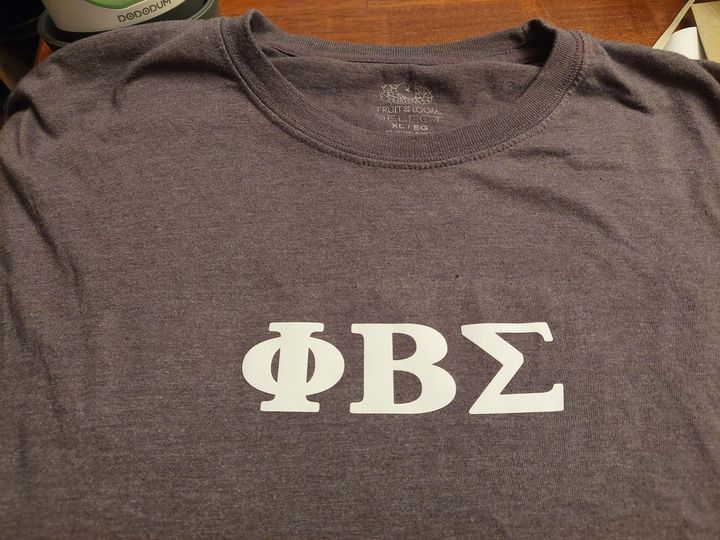
Don’t ask me why, but I put off working with vinyl for a couple months after I got my Cricut Maker 3, even though I purchased my Cricut Maker 3 to work with vinyl. ? I just didn’t want to mess something up, because vinyl can be pricey. Anyway… I finally took the plunge… kinda. […]
Can You Print From A Printer on Dollar Tree Vinyl

Cricut.com had a sale, and I purchased five packs of their Infusible Ink Freehand Markers in Brush Tip Tropical and five packs in Brush Tip Basics. One of my other crafting quests is to make wooden puzzles, so I knew I’d be using the infusible ink markers for those, but I wasn’t quite sure how to use the markers. So… I found this video by Kelly on the Let’s Get Clacking YouTube channel, and it got me started on a good footing. Thanks, Kelly! ?
Ever Wonder What the RONT Stands for in HTV RONT?
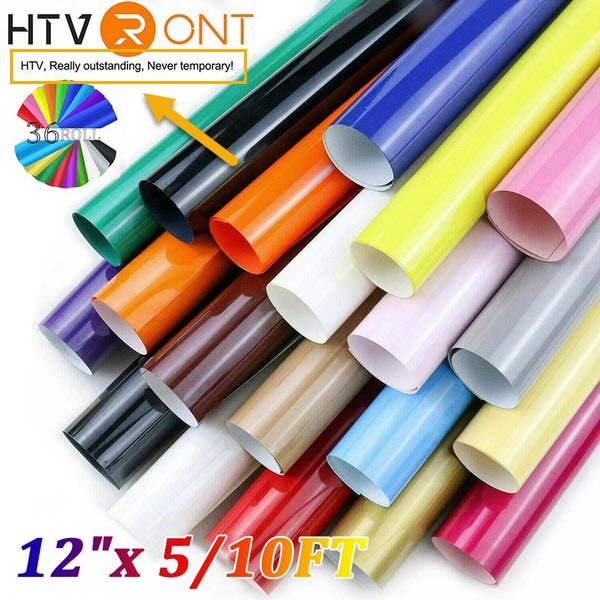
I just discovered what HTVRONT stands for. ? HTV, Really outstanding, Never temporary! I have not tried the HTVRONT vinyl yet, because when I purchased my Cricut Maker 3 I also purchased the Smart Materials Everything Bundle. Some of the people I’m in a Facebook group with say it’s great, though. Once I get through […]
My Lapse in Common Sense

Logic Problem Faydra has a Cricut die cutting machine, a paper trimmer and a printer that prints borderless up to 13″ x 19″. She has a 10″ x10″ piece of basswood for her puzzle board, and she wants her image to also be 10″ x 10″ to cover her puzzle board. She has a 12″ […]
Cutting a Puzzle on Basswood with the Cricut Maker 3
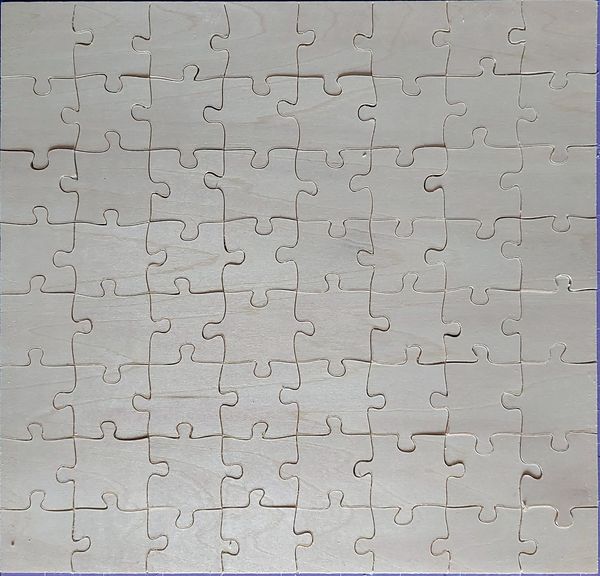
I got this basswood (10″x10″) from Michaels today and went ahead and gave it a go. It cut like a hot knife blade through butter using the default Cricut setting for 1/16th Basswood. No need for added pressure and no need for more passes after the 14 in the Cricut material preset. I got 11 […]
I Had Some Issues with the Cricut Heavy Chipboard
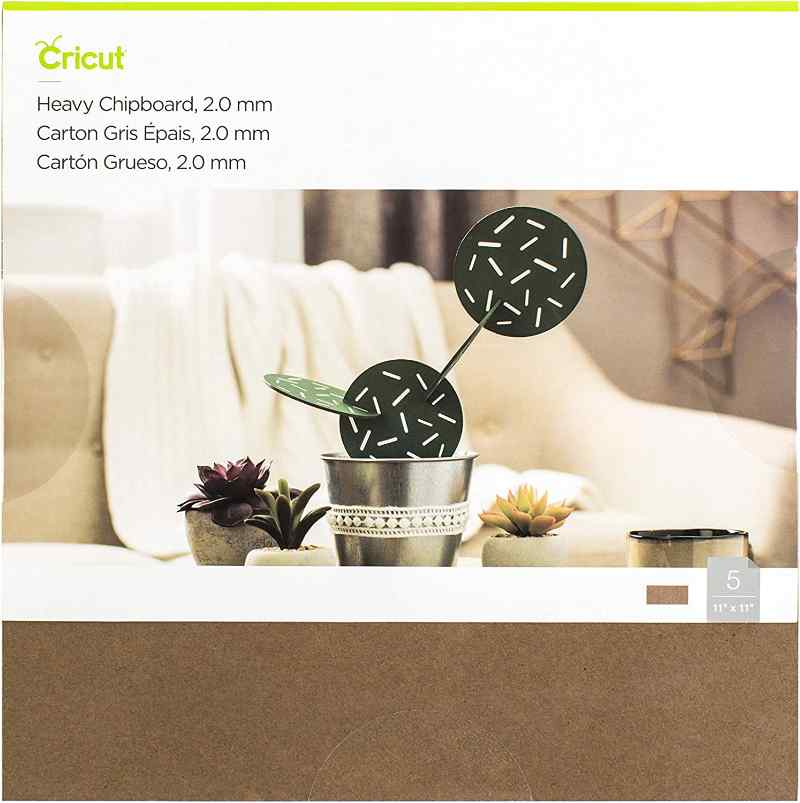
The Cricut heavy chipboard (2mm) is rather expensive. If you don’t catch it on sale, it’s $12 for 5 sheets. I got it from Amazon for $11, and on 24 May 2022 I was trying to cut a puzzle from a piece for the first time on Sunday, and the knife blade kept getting stuck […]
SVG Cut File for a Future Puzzle: Family Biking Outing

This scene is going on a puzzle.
TownStix Printable White Sticker Paper, Matte, 8.5″ x 11″
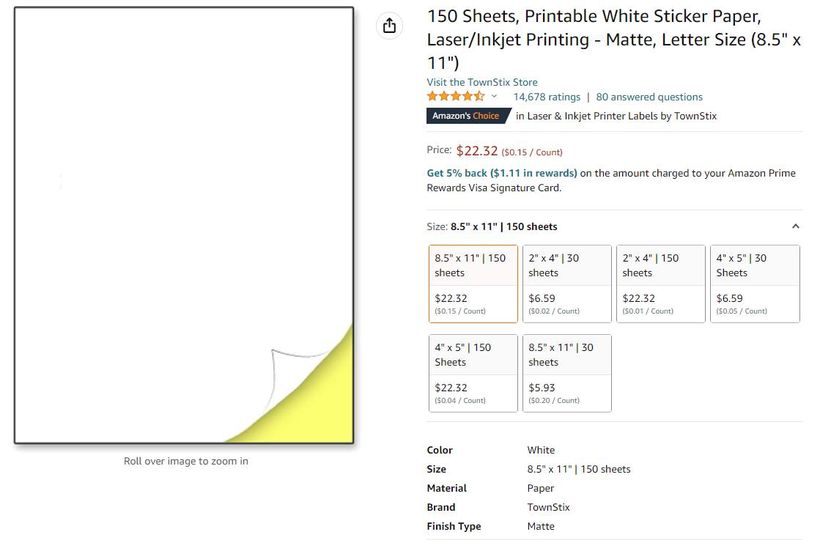
I found this sticker paper on Amazon. 150 sheets 8.5in x 11in for $22.32, which is not a bad price at all for so many sticker sheets. When the labels arrived, I counted them to make sure there were 150 sheets. That might sound petty, but that’s what I do. All 150 sheets were there, […]
Playing with Shapes in Cricut Design Space: Hot Drink Cup
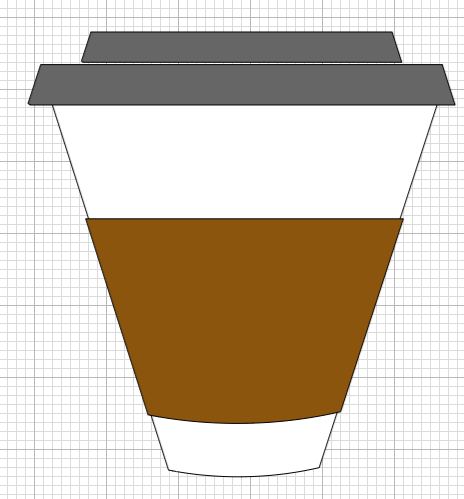
My hot drink cup with simple shapes and slice in Cricut Design Space. I created a little video on creating the cup…
Playing with Shapes in Cricut Design Space: Cartoon Eyes
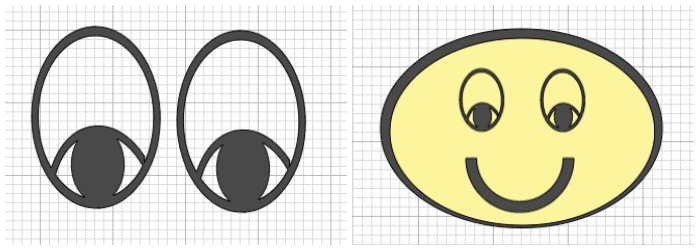
I made eyes from three ovals, slice, weld and duplicate! Woo-hoo! I figured out eyes! ?
Playing with Shapes in Cricut Design Space: Crayon or Fire Hydrant?
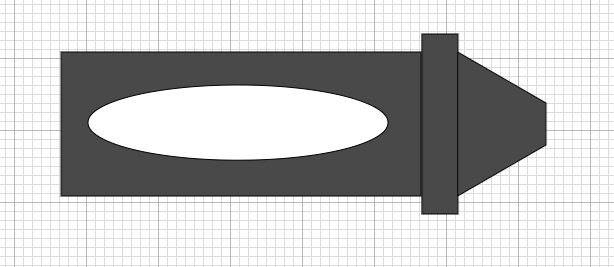
I fiddled around some more with free shapes in Cricut Design Space, and I made this crayon. I also realized I can rotate it counter-clockwise, make the left part shorter (which would become the bottom) and it could be a fire hydrant. ? For anyone who’s wondering why I’m doing all this fiddling when I […]
Playing with Shapes in Cricut Design Space: Cartoon Tree
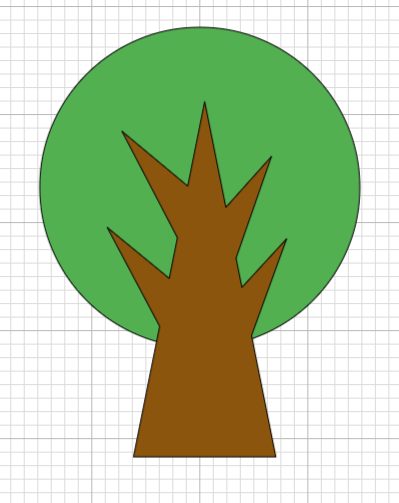
I fiddled some more with shapes and welding and came up with this little tree. ? My next move with this little tree is to put it in a scene with other trees and objects. One of the people I’m in a Facebook group with asked me to create a video of the process…
Playing With Shapes in Cricut Design Space: Roscoe
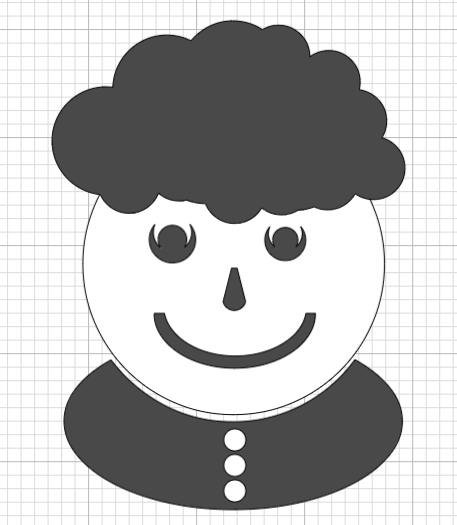
I fiddled around with shapes, slice and weld to see what I could do to make a character. I call him Roscoe. He got a little better-looking each time, but he won’t be dating any time soon! ? Check out his button-down, y’all. He thinks he’s cute! I probably need to think about making him […]
Playing with Simple Shapes in Cricut Design Space: Puzzle Piece
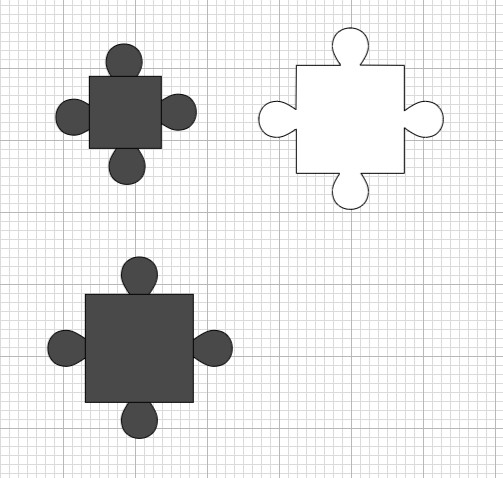
I fiddled with making puzzle pieces in Design Space. I wish there was a “snap to” feature in Design Space, so that when you put corners next to each other, they’d snap in place. I was thinking it would take half the time to cut the puzzle, because only half the pieces would need to […]
Cricut Blade Holder
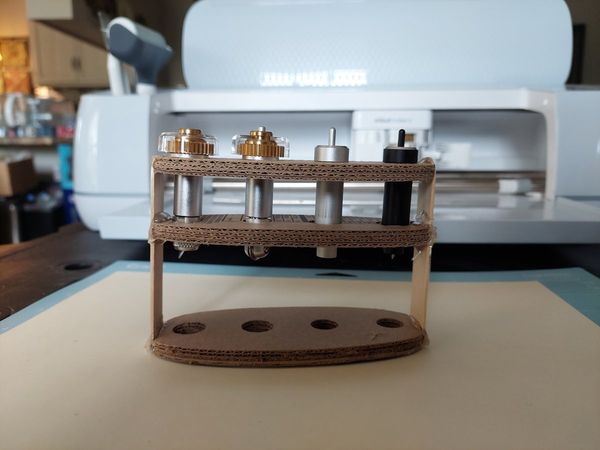
My first attempt at a custom blade holder. The middle piece is on upside down and backwards, and it’s leaning. Fail! There’s also another reason the blade holder is a fail. I made it for the four blades I’ve been using, but I forgot I also purchased the perforation blade and QuickSwap™ housing, even though […]
Magnetic Puzzle Cut on the Cricut Maker 3
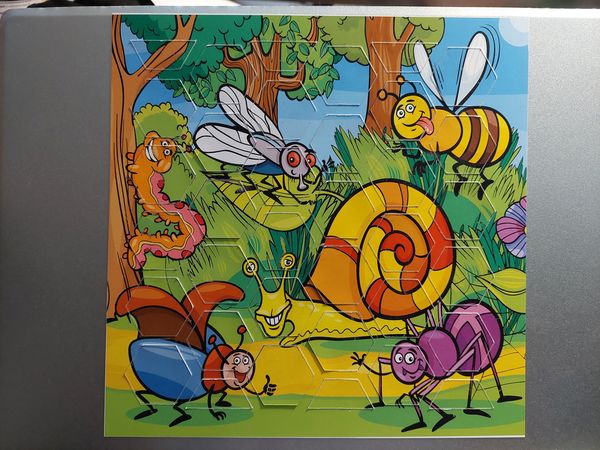
I tried Cricut’s SnapMat feature last night, and it wasn’t as easy as all the YouTube videos I watched made it appear to be. I did finally get it to work, but I was sweating by the time my iPad finally snapped the mat. Whew! What I didn’t pick up on or failed to pay […]
One More Time…
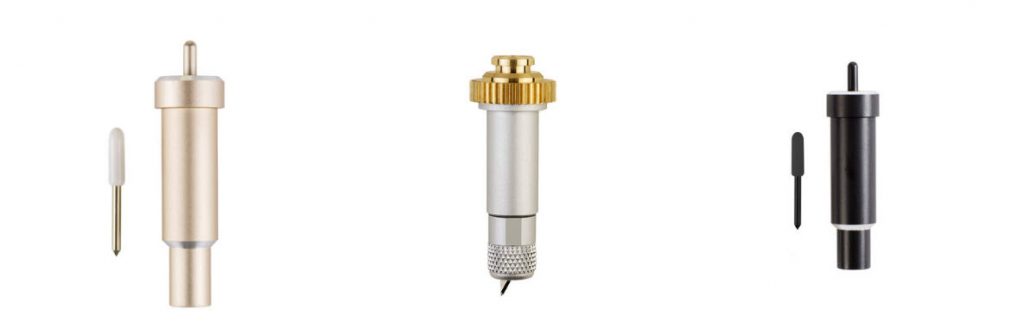
A few days ago I learned when using the Cricut Knife Blade that Design Space will prompt you to check to make sure your cut has gone completely through before you unload your mat. If it has not cut all the way through, then you can keep pressing the “go” button for more and more […]
Why I Got a Cricut?
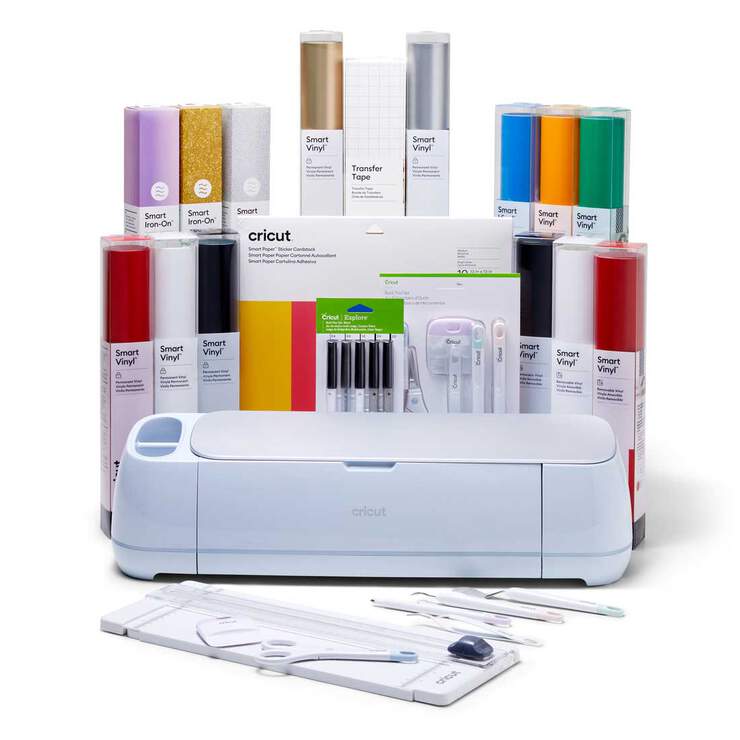
I’ve actually been learning to hand-cut wooden jigsaw puzzles on my scroll saw, which I intend to sell when I get better at it. I’ve included some of my practice cuts. The price tag (for customers) on hand-cut, one-of-a-kind-pattern-cut wooden jigsaw puzzles is high, and I wanted a way to offer different price points for […]
Puzzle with Adhesive Foam Base on Cricut Maker 3
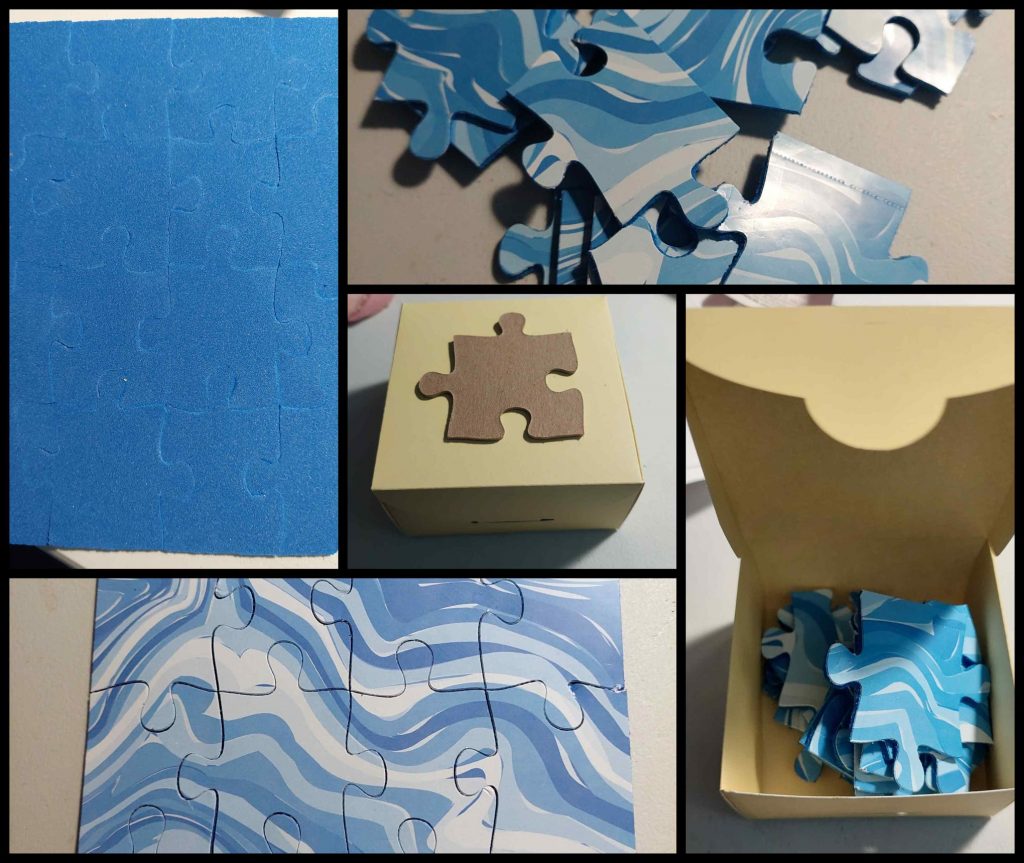
This one’s going to the nieces, because one of the pieces has a gash out of the edge, but I was happy to complete the whole thing. Photo paper from Dollar Tree on adhesive foam from Walmart for the puzzle. Cardstock from Walmart for the box. Chipboard for the puzzle piece from a puzzle that […]
Proper Media Placement on Cutting Mats
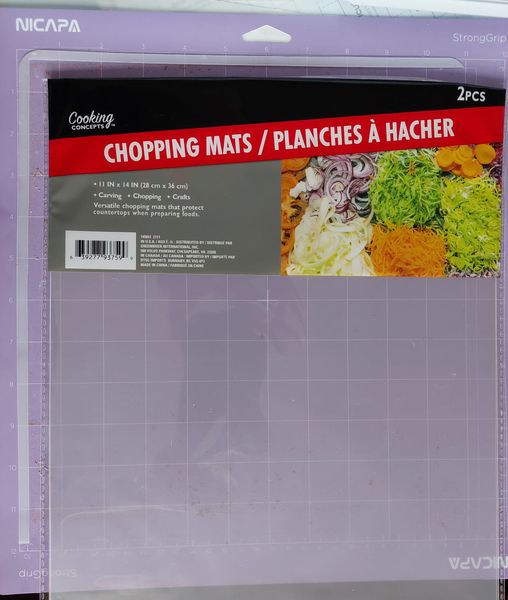
Okay, so I got tired of cutting my projects too far down from the top and too far over from the left, so I took one of these chopping mats I got from Dollar (25) Tree (2 for $1.25) and made myself a nice, sturdy top-and-left guide. To be clear, it’s not the Cricut Maker […]
Cutting Non-Adhesive Foam Sheets with the Cricut Maker 3
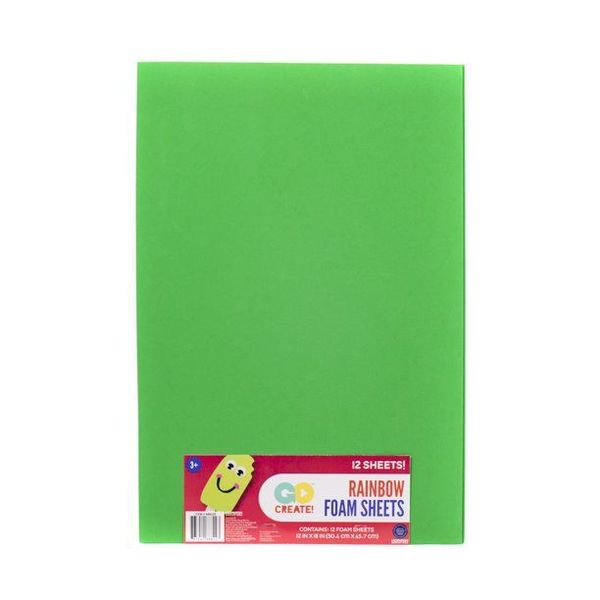
I’ve attached an image of the Go Create! brand foam sheet from Walmart that I cut, which does not have the adhesive on one side. From a distance, it doesn’t look like it was actually cut through at all, but if you zoom in on it you can see the cuts. Then when you bend […]
What Cricut Blade is Best?
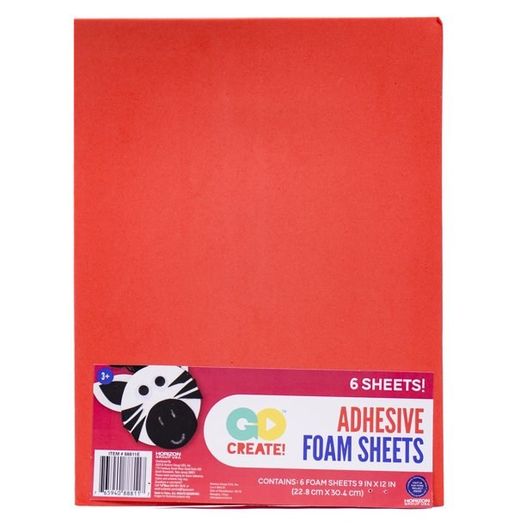
I’m learning that just because you think a blade will work better on a specific medium does not mean anything! If you do not test it, you end up wasting time and that particular medium. I was trying to use my knife blade and my deep point blade on what I considered thick adhesive foam, […]
Oak & Lamb: Don’t Waste Your Money On These Cricut Products!
Rachel, over on the Oak & Lamb YouTube channel did a great video on what Cricut products she and her co-owners–Anna and Becca-recommend you do not spend money on! Thanks, Oak & Lamb, for another great video and helping me and others save their money! ?
Coloring “I Heart Cupcakes to the Stars” with the Cricut Maker 3
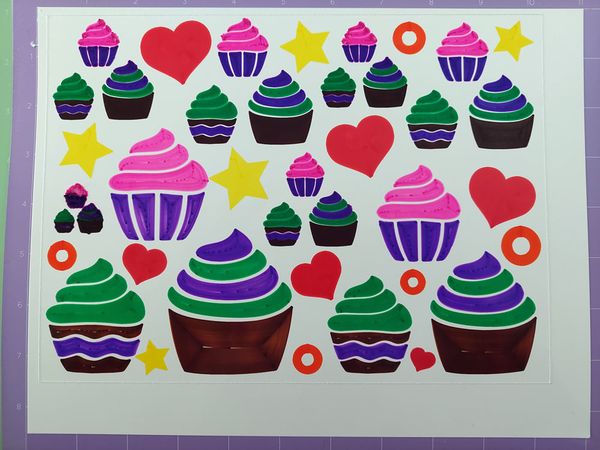
Using the Crayola Washable Super Tips Markers and my Cricut Maker 3 to color. My version is up top. The following is the Cricut Design Space version. Originally, I started out with a Design Space file of three cupcakes in a row [Design Space ID #M34141A90]. I then put the three cupcakes in a triangle […]
Thinking Of You Card
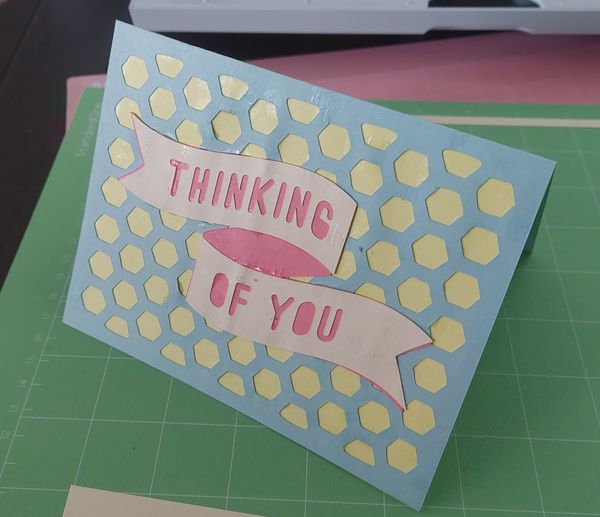
I made this card for my mom to give to a friend of hers. After using too much “wet” glue, I realized I should have used a glue stick. After realizing my mistake with the glue, I invested in the Scotch Permanent Advanced Double-Sided Tape Runner. I got the following tip from someone I was […]
Oak & Lamb: Which Mini EasyPress Is Best? Let’s Find Out!
I was in the market for a mini heatpress, and the ladies–Anna, Becca and Rachel–over at the Oak & Lamb YouTube channel did a comparison video of a few and got me pointed in the right direction! I love these ladies, because they pull no punches. They tell it like it is when they review products. You’re only going to get their true opinions! Thanks, Oak & Lamb! ?
Measure twice…
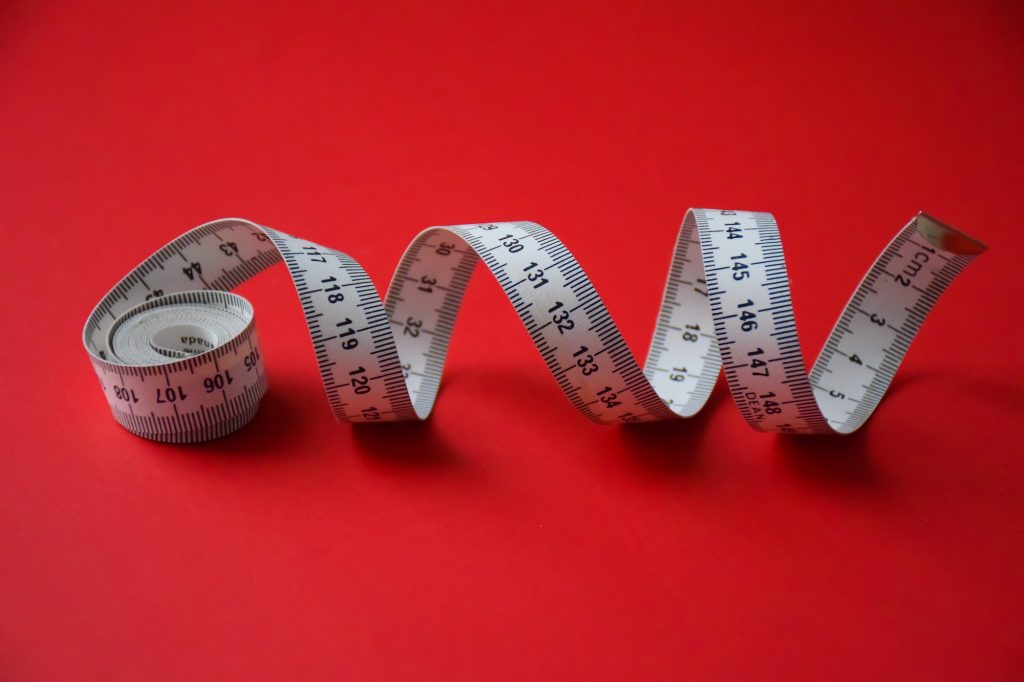
I’m learning that just because you think a blade will work better on a specific medium does not mean anything! If you do not test it, you end up wasting medium. I am too eager to get going. I need to slow down and stop my “feet first” ways.
My New Cricut Maker 3 Has to Go Back
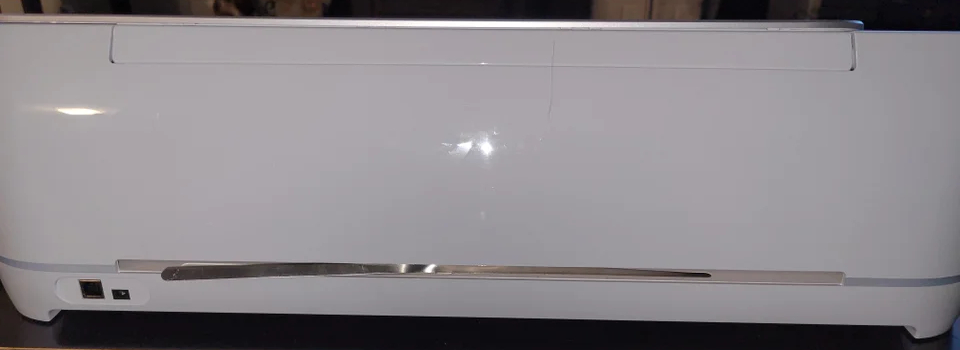
Okay, so my Cricut journey is off to a rocky start. I was cutting my first file yesterday, and mats 1 and 2 of 3 went well, and then when the cutting of cardstock on mat 3 was about 98% completed the power light on my Cricut Maker 3 started repeatedly flashing from white to […]
Mr. Crafty Pants: How to Layer Vinyl the Easy Way with Parchment Paper + Cricut | Layer Multiple Vinyl Easy Way
When I was searching on YouTube for videos to help me learn how to layer vinyl, I discovered the Mr. Crafty Pants YouTube channel. One of the things I like about Michael (and so many of the other YouTubers to whom I subscribe) is that he always makes sure to credit the source of where he finds any tips, tricks and/or hacks that he didn’t discover himself. Thanks, Michael, for teaching me how to layer vinyl. ?